192.168.3.1

192.168.3.1 is the gateway IP address of your router to access the web-based user interface to change Wi-Fi password, Network Name (SSID), and other default settings.

To access your router settings, type http://192.168.3.1 in the address bar of your web browser or click on the Login button below.

Default Username and Password

Common default router username and password combinations.
Router ModelIP AddressUsernamePassword
Huawei AX3192.168.3.1Not required[Set during initial setup]
Huawei WS319192.168.3.1adminadmin
Huawei WS7100192.168.3.1Not required[Set during initial setup]
Huawei WS5200192.168.3.1Not required[Set during initial setup]
Huawei WS318n192.168.3.1Not required[Set during initial setup]
Huawei WS7200192.168.3.1Not required[Set during initial setup]
Huawei WS8100192.168.3.1Not required[Set during initial setup]
Note: The default IP address, Username, and Password are printed on a sticker on the back or underside of the router. Some routers require you to create a new password during initial setup.

How to login to 192.168.3.1?

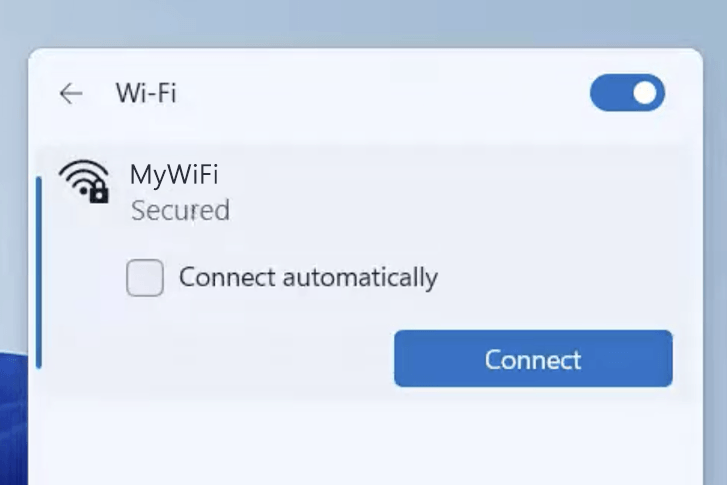
1) Connect your device to the router via an Ethernet cable or Wi-Fi connection.
2) Open a web browser and type http://192.168.3.1 in the address bar.
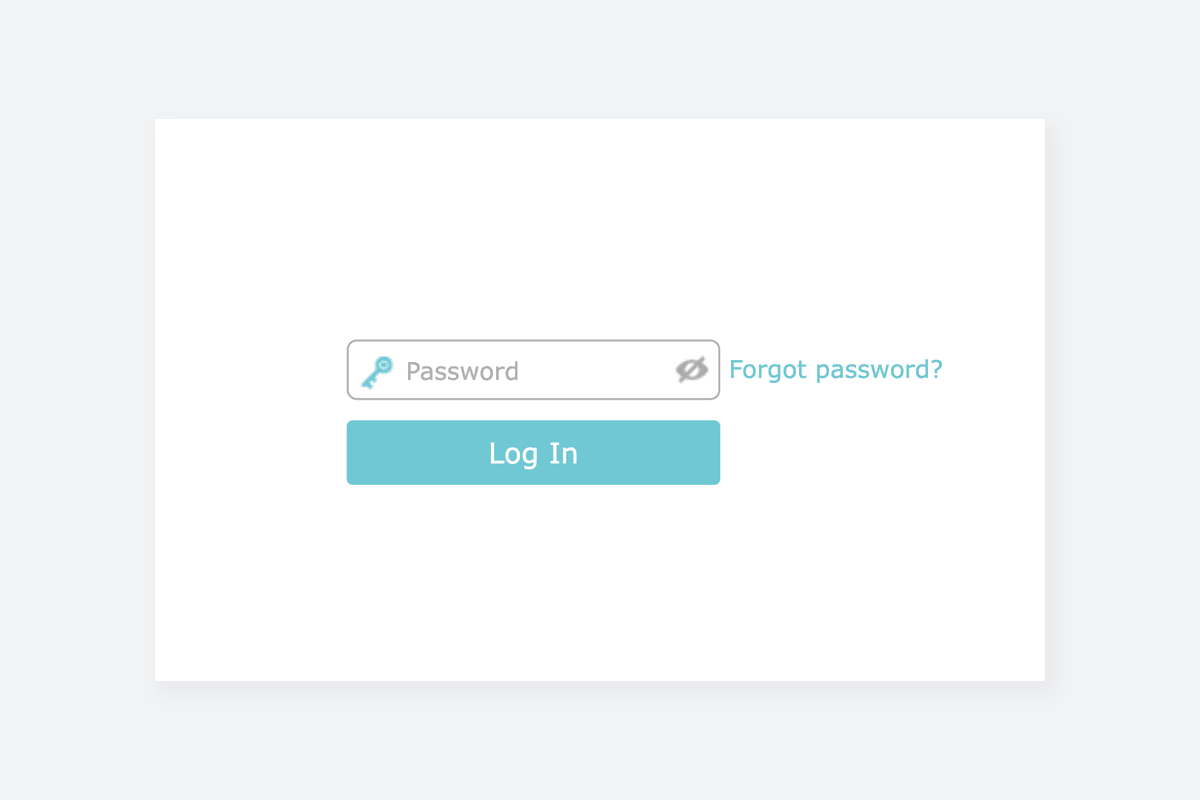
3) Enter the router username and password and click Login.

Popular Router IP Addresses

Popular Router Brands