
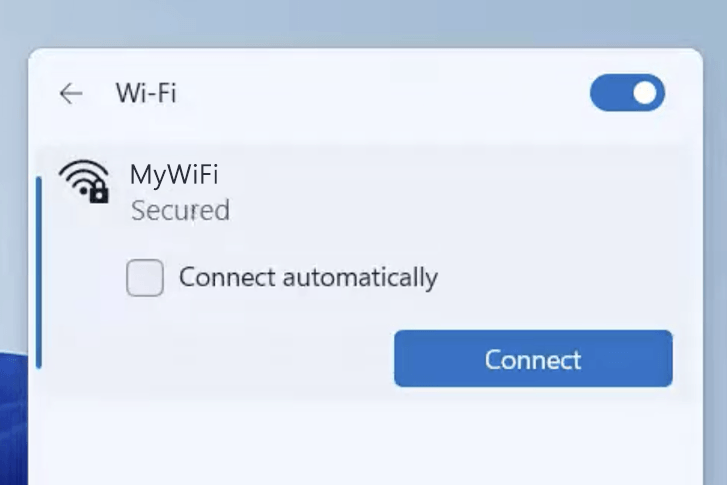
192.168.10.1 is the gateway IP address of your router to access the web-based user interface to change Wi-Fi password, Network Name (SSID), and other default settings.
To access your router settings, type http://192.168.10.1 in the address bar of your web browser or click on the Login button below.
Your device must be connected to the router via Wi-Fi or an Ethernet cable.
The gateway IP address will only load on the browser when your device is connected to the router. For help, see How to find your router IP address? and Can’t connect to my Router login page; what do I do?.
Default Username and Password
Common default router username and password combinations.
| Router Model | IP Address | Username | Password |
|---|---|---|---|
| PTCL Kasda KW58283 | 192.168.10.1 | admin | [Printed on router sticker] |
| WavLink Wi-Fi Router | 192.168.10.1 | admin | admin |
| Wireless-N WiFi Repeater | 192.168.10.1 | admin | admin |
| TRENDnet TEW-731BR/A | 192.168.10.1 | admin | [Printed on router sticker] |
| ZTE ZXHN H168N | 192.168.10.1 | admin | [Printed on router sticker] |
| Digicom DG-M342T | 192.168.10.1 | admin | admin |
| Cudy WR2100 | 192.168.10.1 | Not required | admin |
| Comfast CF-E312A V2 | 192.168.10.1 | Not required | admin |
| TRENDnet TEW-731BR | 192.168.10.1 | admin | admin |
| TRENDnet TEW-652BRP | 192.168.10.1 | admin | admin |
| Optilink OP-XONT 71110N | 192.168.10.1 | admin | optilink |
| Optilink OP-XONT 71110AC | 192.168.10.1 | admin | optilink |
| Optilink OP-XONT 71000 | 192.168.10.1 | admin | admin |
| WiFiBlast | 192.168.10.1 | admin | admin |
Note: The default IP address, Username, and Password are printed on a sticker on the back or underside of the router. Some routers require you to create a new password during initial setup.
How to login to 192.168.10.1?

1) Connect your device to the router via an Ethernet cable or Wi-Fi connection.
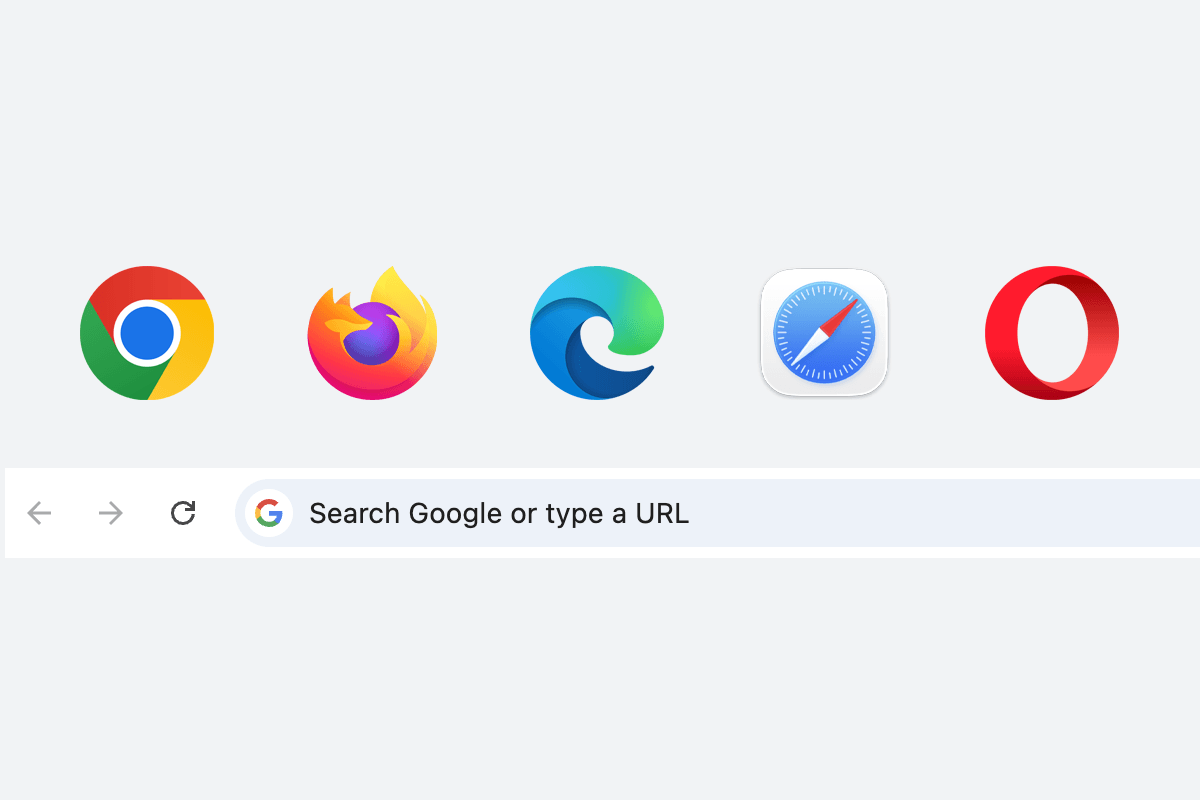
2) Open a web browser and type http://192.168.10.1 in the address bar.
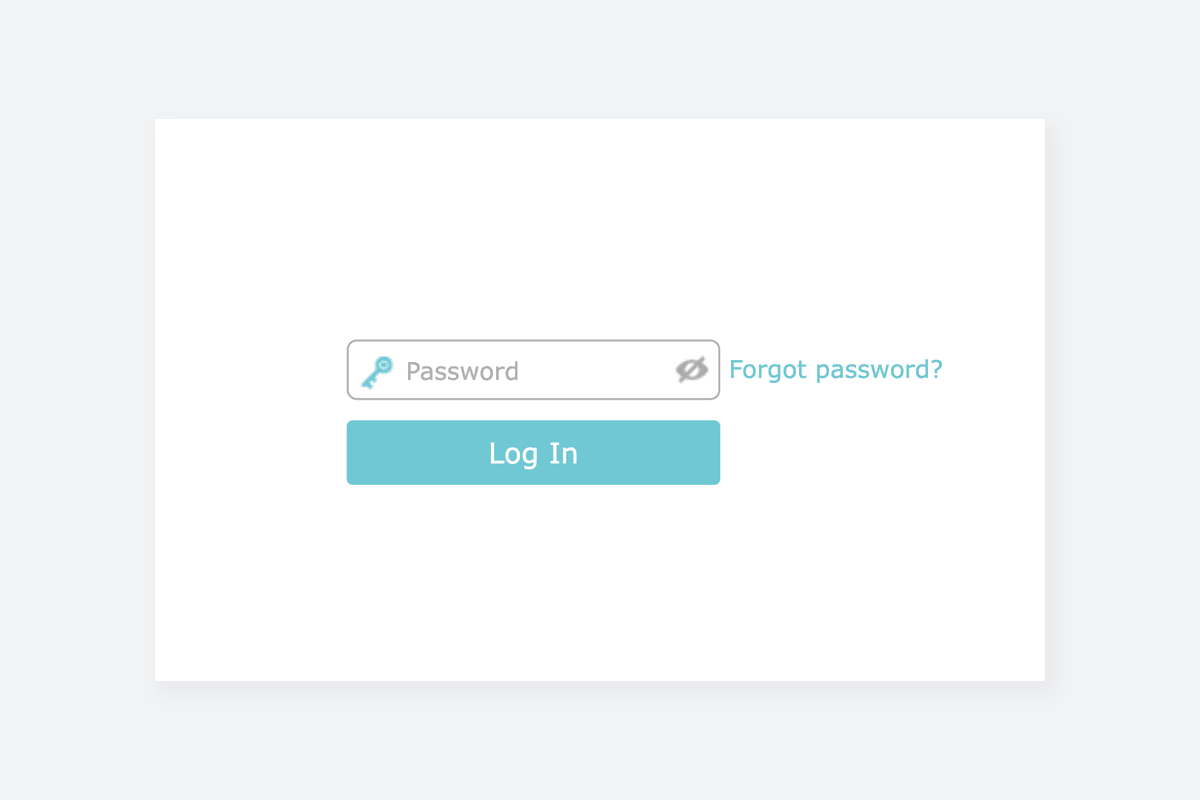
3) Enter the router username and password and click Login.
Change Wi-Fi Password and Network Name (SSID)
The exact menu path depends on your router brand, model and firmware version. Below are some router models using 192.168.10.1 as the default IP address.
PTCL Kasda KW58283
- Connect your device to the router via Wi-Fi or an Ethernet cable.
- Open a browser and type http://192.168.10.1 in the address bar.
- Enter the Username: admin and Password and click Sign In. (The Admin Password is printed on the router sticker.)
- Go to Wireless > Basic.
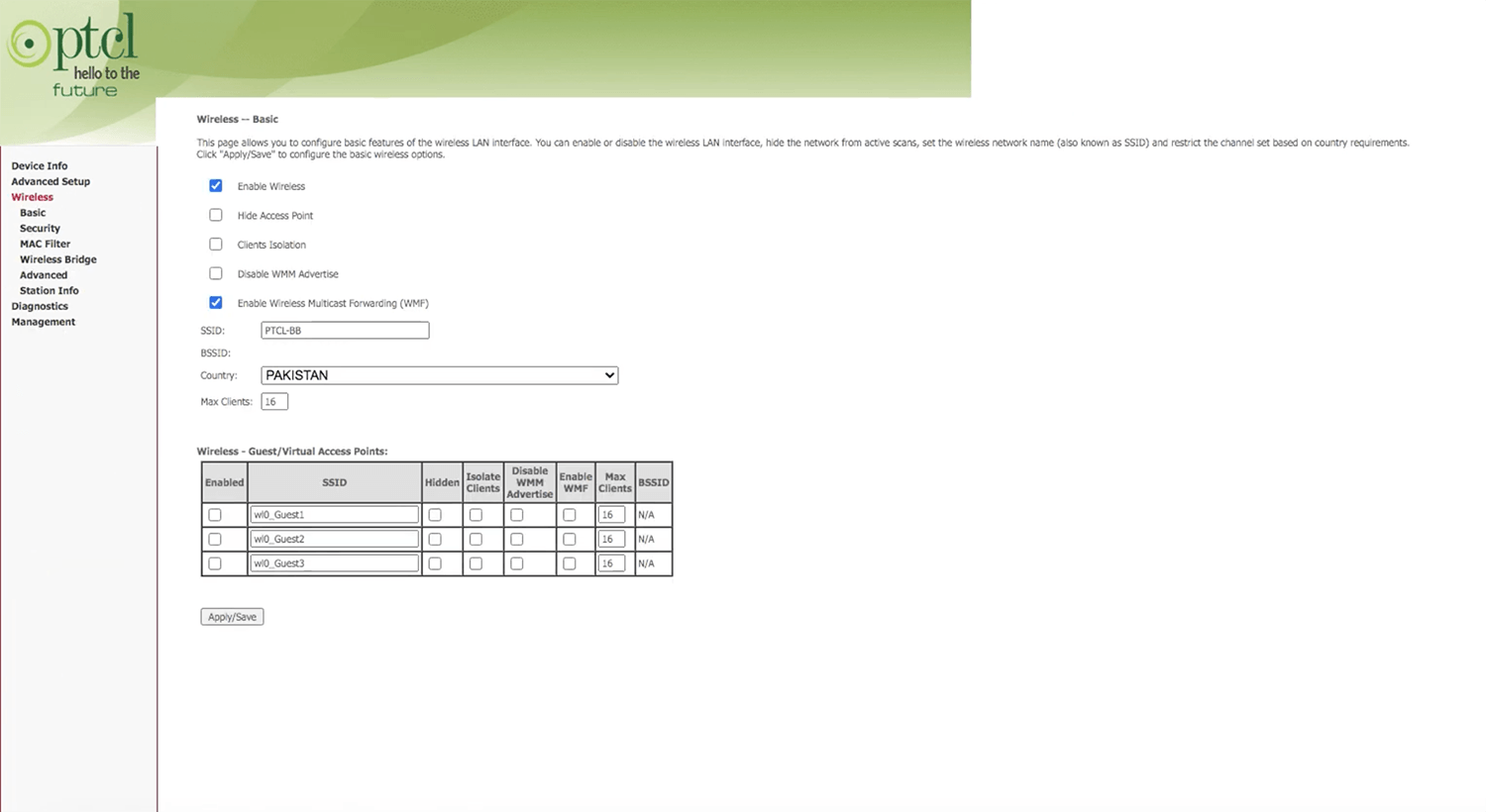
- Enter the Wi-Fi network name in the SSID field and click Apply/Save.
- Go to Wireless > Security.
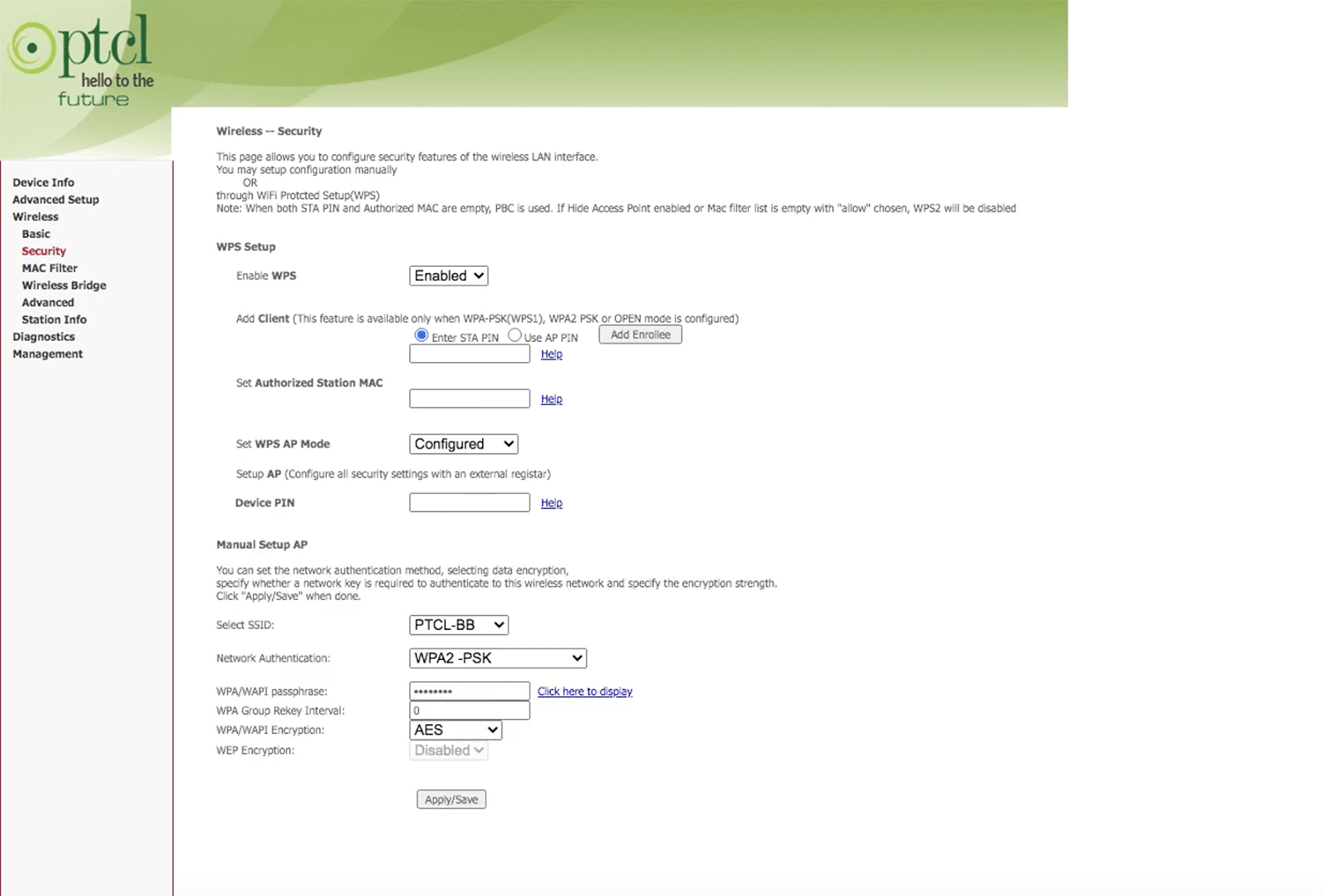
- Select Network Authentication: WPA2 -PSK and WPA/WAPI Encryption: AES.
- Enter the Wi-Fi password in the WPA/WAPI passphrase field
- Click Apply/Save.
Wireless-N WiFi Repeater
- Connect your device to the router’s Wi-Fi network.
- Open a browser and type http://192.168.10.1 in the address bar.
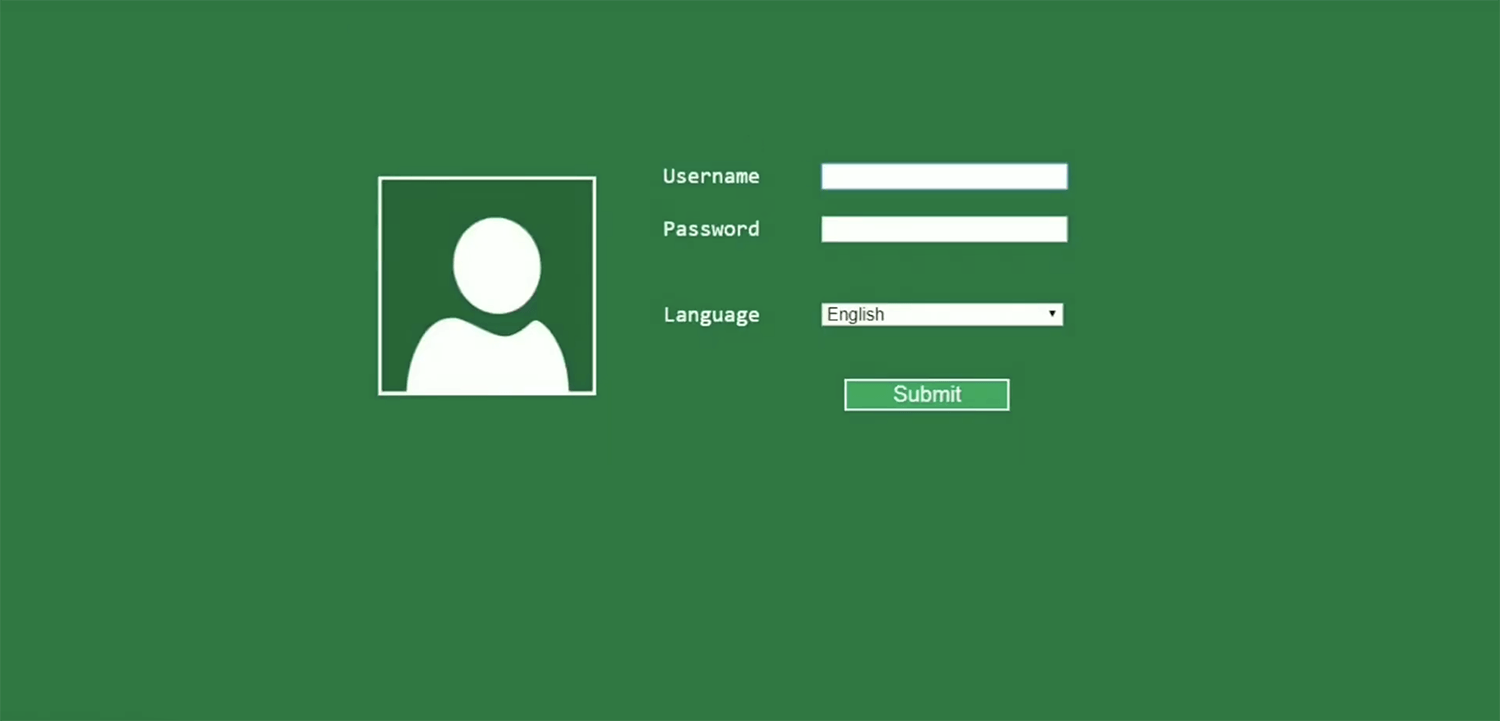
- Enter the Username: admin and Password: admin and click Submit.
- Go to Wireless > Basic Settings.
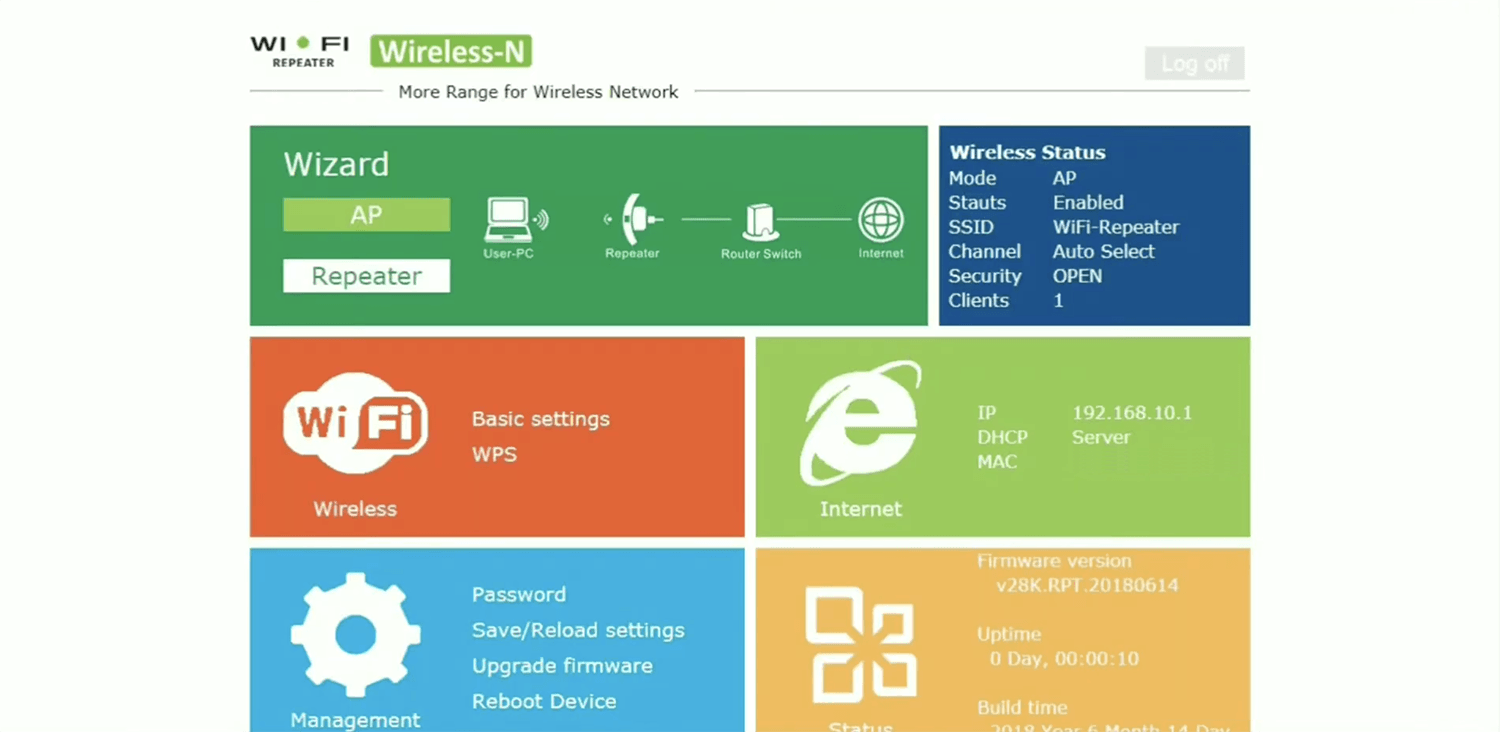
- Enter the Wi-Fi network name in the SSID field.
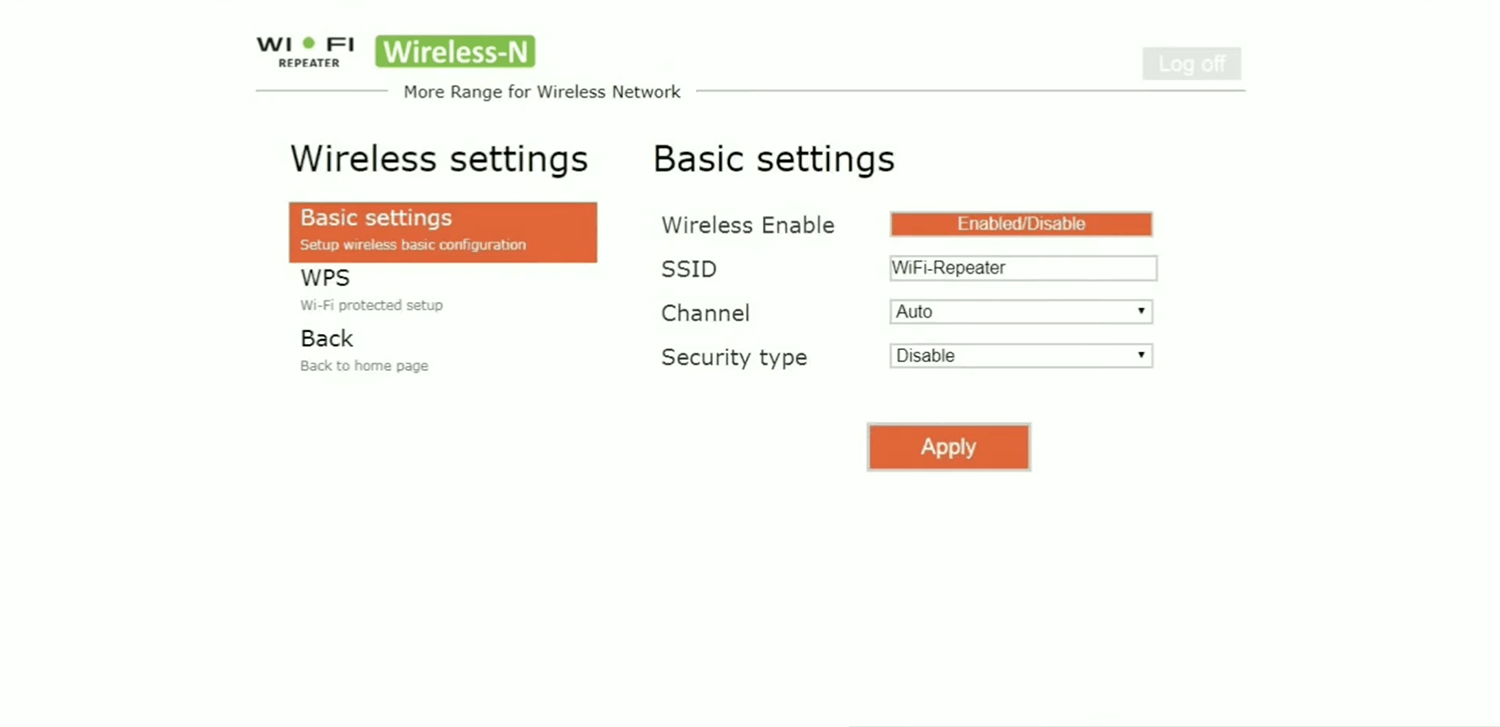
- Select Security Type: WPA/WPA2 PSK.
- Enter the Wi-Fi password in the Security key field
- Click Apply.