Dlinkrouter.local

Dlinkrouter.local is the gateway IP address of your D-Link router to access the web-based user interface to change Wi-Fi password, Network Name (SSID), and other default settings.

To access your router settings, type http://dlinkrouter.local in the address bar of your web browser or click on the Login button below.

Default Username and Password

Common default router username and password combinations.
Router ModelIP AddressUsernamePassword
D-Link DIR-300dlinkrouter.localadmin(leave the field blank)
D-Link DIR-878dlinkrouter.localAdmin(leave the field blank)
D-Link DIR-600Ldlinkrouter.localadmin(leave the field blank)
D-Link DIR-850Ldlinkrouter.localAdmin(leave the field blank)
D-Link DIR-816Ldlinkrouter.localAdmin(leave the field blank)
D-Link DIR-819dlinkrouter.localAdmin(leave the field blank)
D-Link DIR-865Ldlinkrouter.localAdmin(leave the field blank)
D-Link DIR-842dlinkrouter.localAdmin(leave the field blank)
D-Link DIR-890Ldlinkrouter.localAdmin(leave the field blank)
D-Link DIR-879dlinkrouter.localAdmin(leave the field blank)
D-Link DIR-882dlinkrouter.localAdmin(leave the field blank)
D-Link Covr-2600Rdlinkrouter.localAdmin(leave the field blank)
Note: The default IP address, Username, and Password are printed on a sticker on the back or underside of the router. Some routers require you to create a new password during initial setup.

How to login to Dlinkrouter.local?

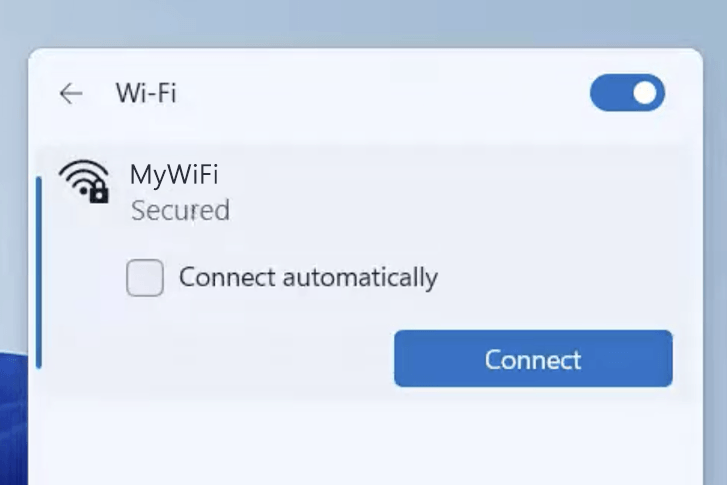
1) Connect your device to the router via an Ethernet cable or Wi-Fi connection.
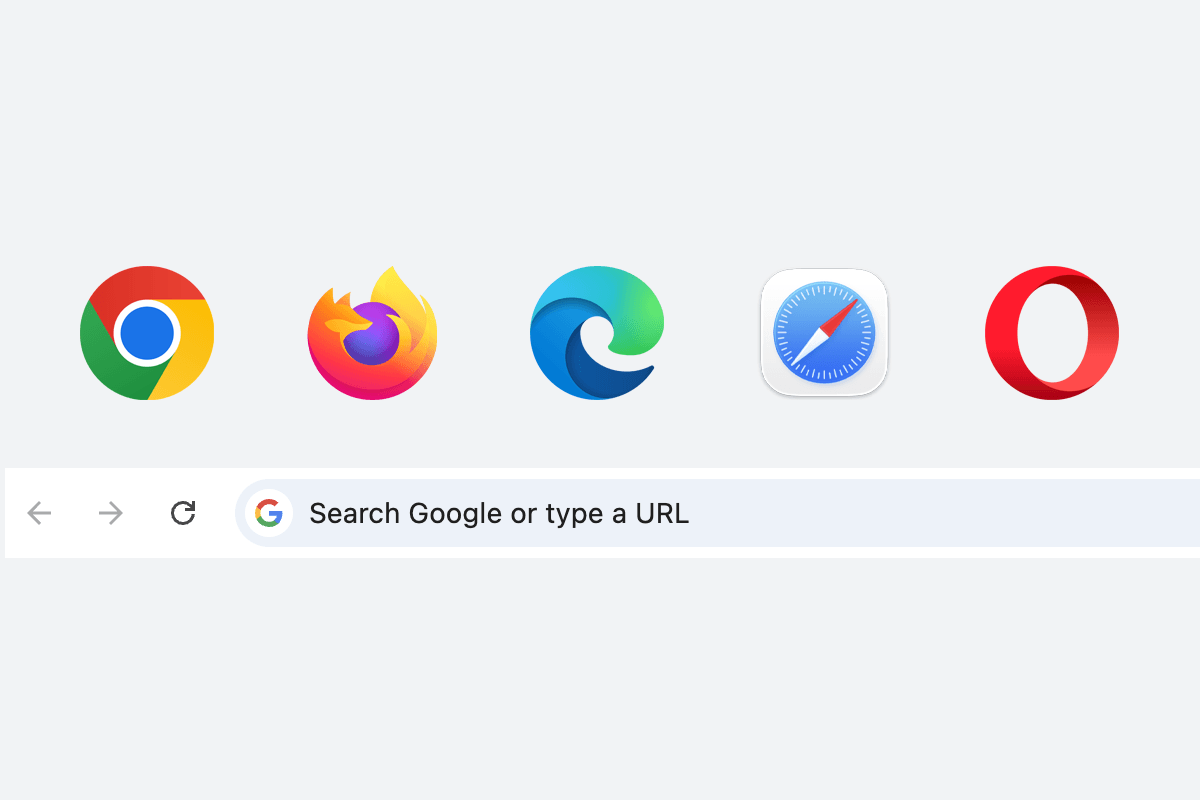
2) Open a web browser and type http://dlinkrouter.local in the address bar.
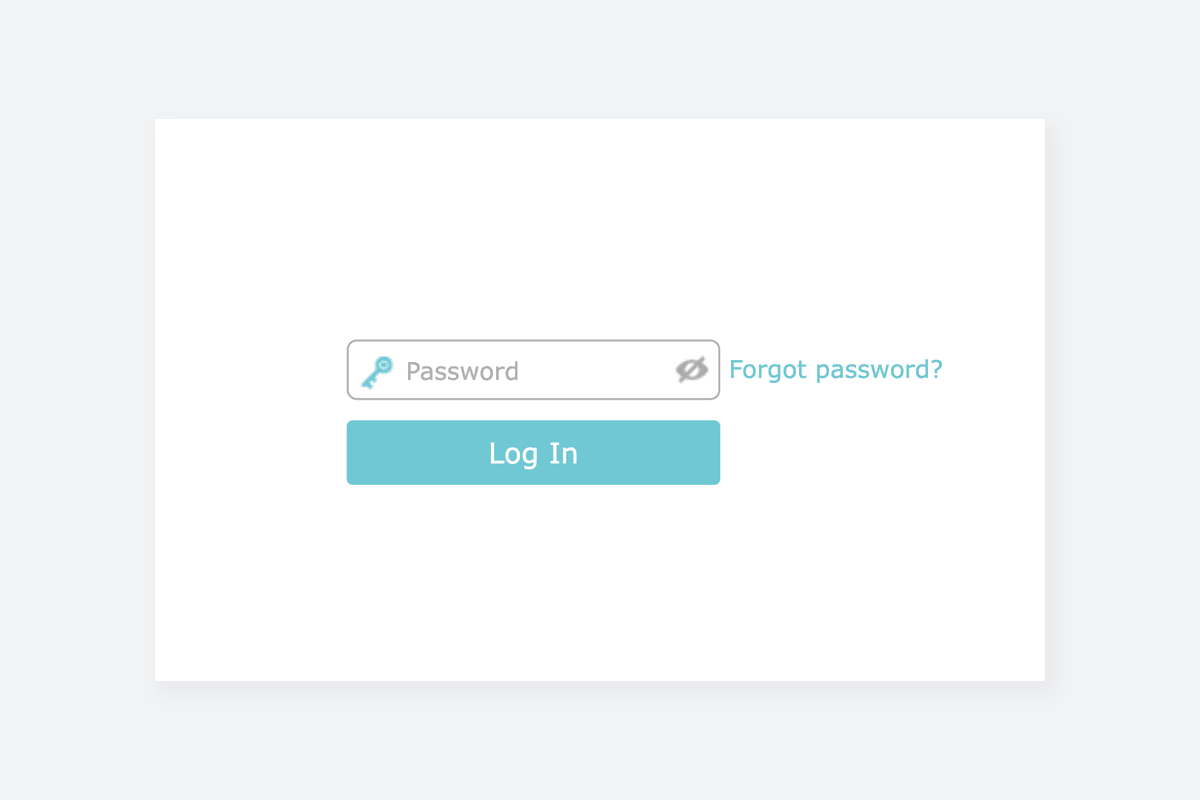
3) Enter the router username and password and click Login.

Popular Router IP Addresses

Popular Router Brands