LPB Piso WiFi

LPB Piso WiFi web-based user interface allows you to insert money, pause time, and manage the Piso Wi-Fi vendo machine.
To access your LPB Piso WiFi router settings, type the IP address in the address bar of your web browser or click on the Login button below.
Default IP Address
Link
10.0.0.1
Login
10.0.0.1/admin
Login

Default Username and Password

Common LPB Piso WiFi routers default username and password combinations.
Router ModelIP AddressUsernamePassword
LPB Piso Wifi10.0.0.1admin123456789
LPB Piso Wifi10.0.0.1administratoradmin1234
LPB Piso Wifi10.0.0.1adminadmin
Note: The default IP address, Username, and Password are printed on a sticker on the back or underside of the router. Some routers require you to create a new password during initial setup.

How to login to LPB Piso WiFi?

  1. Connect your device to the “Piso Wifi” network.
  2. Open a browser and type http://10.0.0.1 in the address bar.
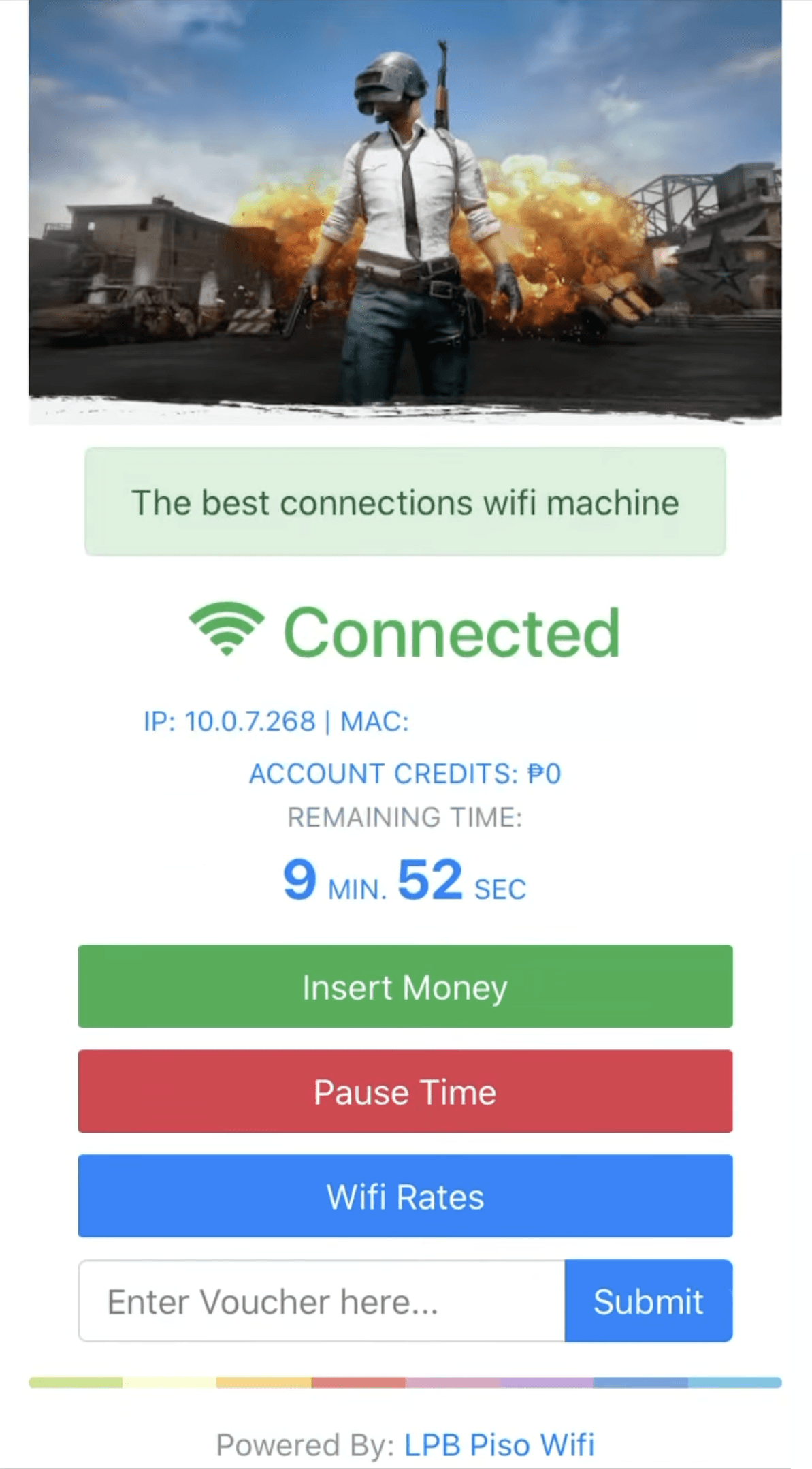
  3. Press “Insert Money” button and insert the coins in the Piso Wi-Fi vendo machine, then click Done Paying button. You can also submit the Voucher Code on the home screen.
  4. You have successfully claim your time. To pause the time click Pause Time button and to resume the time click Resume Time button.

Popular Router IP Addresses

Popular Router Brands